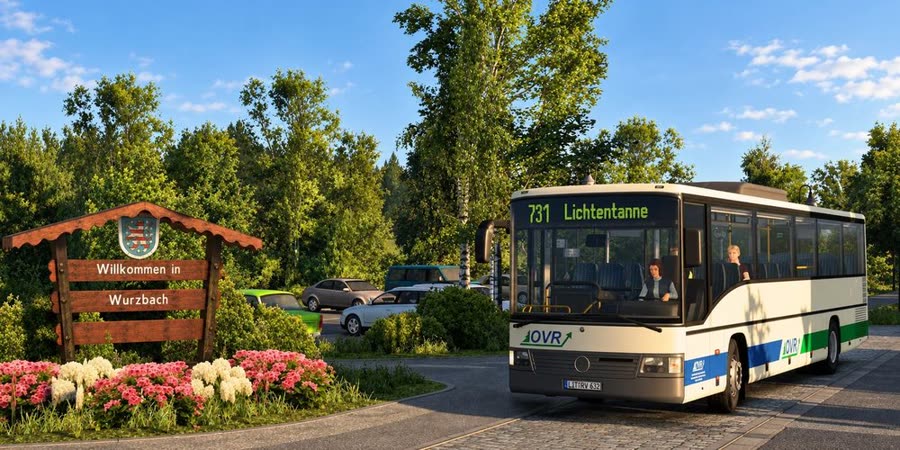
Work shift
Pick how long you want to drive and when. Omsi-Hub builds a shift from the timetable's real trips, and changes line where lines meet.
Omsi-Hub
Built for realism. Made for immersion.
Omsi-Hub turns OMSI 2 into a working bus job. Real duties from the timetable, your own transport company, a career that counts and friends on the same roads.
Omsi-Hub is an add-on: it builds on the openOMSI you already have — it doesn't replace it.
The question the app asks every time you open it. Each answer starts from the real timetable of the map you pick.
Pick how long you want to drive and when. Omsi-Hub builds a shift from the timetable's real trips, and changes line where lines meet.
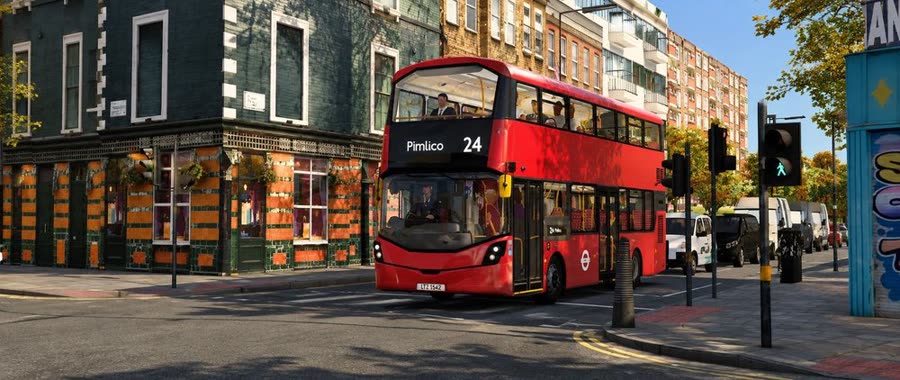
Drive one bus's trips on one line, the way OMSI's timetable plans them. Pick the line, the tour and the first trip.
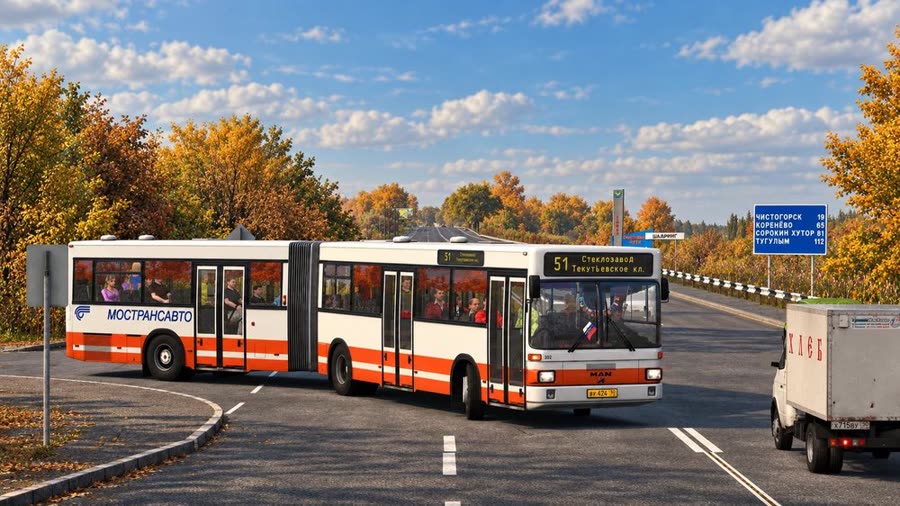
Just a map and a bus. Traffic and the timetable's buses run around you, and nothing is booked.
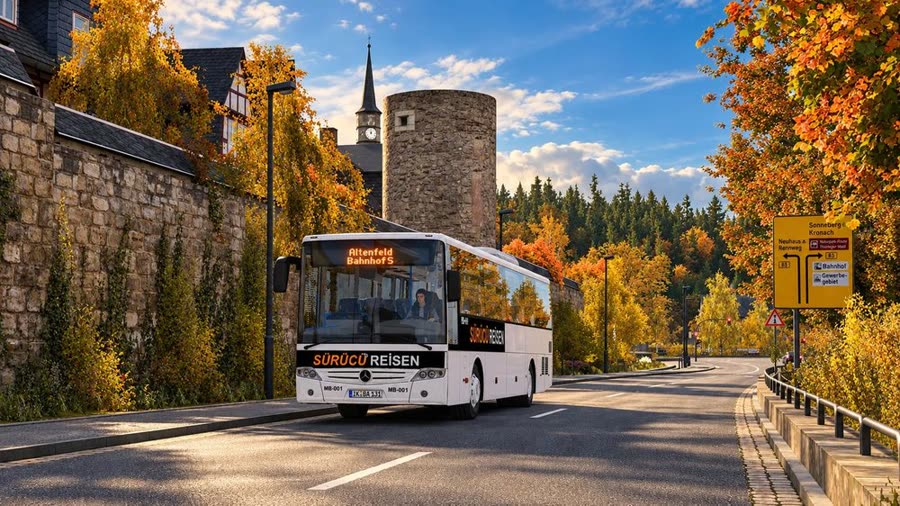
Your own transport company. Buy, lease or rent buses, hire drivers and run your lines day by day.
All about the bus company →What you get Hours, kilometres, punctuality, tickets and XP go into your service record.
What you get It counts in your service record like any duty: hours, kilometres, punctuality and XP.
What you get No timetable to keep, and the kilometres still go into your service record.
What you get Money, a fleet that wears, staff and a company level that grows with you.
OMSI 2 forgets you the moment you quit. Omsi-Hub keeps a service record of everything you drive.
No notes on a second screen. The stops ahead and your timing are there while you drive.
Your duty board in the game: the trip you're on, the stops ahead and whether you're on time.
Sign on, open the duty menu and use the bus's screens on a phone or tablet in your own network.
Omsi-Hub is made for building as much as for driving. Draw your own lines over the map's roads, write the timetable, set up the destination displays and paint your buses, all inside the app. Your OMSI 2 folder stays untouched.
An Omsi-Hub account is optional. Without one you play fully on your own PC. With one, these come on.
Add a friend with their friend code and see who is online right now.
Invite friends into your bus company and run its lines together.
Keep two companies in the cloud and carry on from any PC you sign in on. Local saves stay unlimited.
Show your service record to everyone, if you want to. You switch it on, and you can switch it off.
The top five right now, straight from the app. The whole board has a page of its own.
Free. It installs next to your OMSI 2 and never writes into it.
Every system: Windows, Mac and soon Linux
Omsi-Hub is free and made in spare time. A coffee on Ko-fi helps keep the servers running and new features coming.
Not yet. Omsi-Hub is in beta: it works, but expect bugs, missing pieces and changes between versions. The roadmap shows what is still coming.
Yes. Omsi-Hub runs on openOMSI, which plays the maps, buses and mods of an installed OMSI 2 (Steam or retail). It brings no game content of its own.
No. Omsi-Hub is an add-on for openOMSI: it builds on the openOMSI you already have and uses its plugin API. You keep openOMSI, and Omsi-Hub adds the duties, the company, the career and the online features to it.
openOMSI 0.2.22 or newer; we recommend the latest release. Older versions are refused. Some extras need a newer openOMSI plugin API than the official releases have yet; the launcher shows which ones your openOMSI supports.
No. Omsi-Hub keeps its own data and doesn't change the files of openOMSI or OMSI 2. Mods you add go into Omsi-Hub's own folder.
Yes. Download it, play it, no payment and no subscription.
No. Everything works offline on your own PC. An account only adds the online parts: friends, playing together, cloud saves and the leaderboard.
Sign in to your Omsi-Hub account in the app and switch on "Show me on the leaderboard". Your display name and service record appear here. Switch it off and you are gone from the board at once.
When a new version is out, the app asks at the start and, with your yes, downloads it and restarts.