Learn it inside out.
Handbooks for the parts of Omsi-Hub that go deepest. First up: RosterFlow, the bus company's scheduling studio.
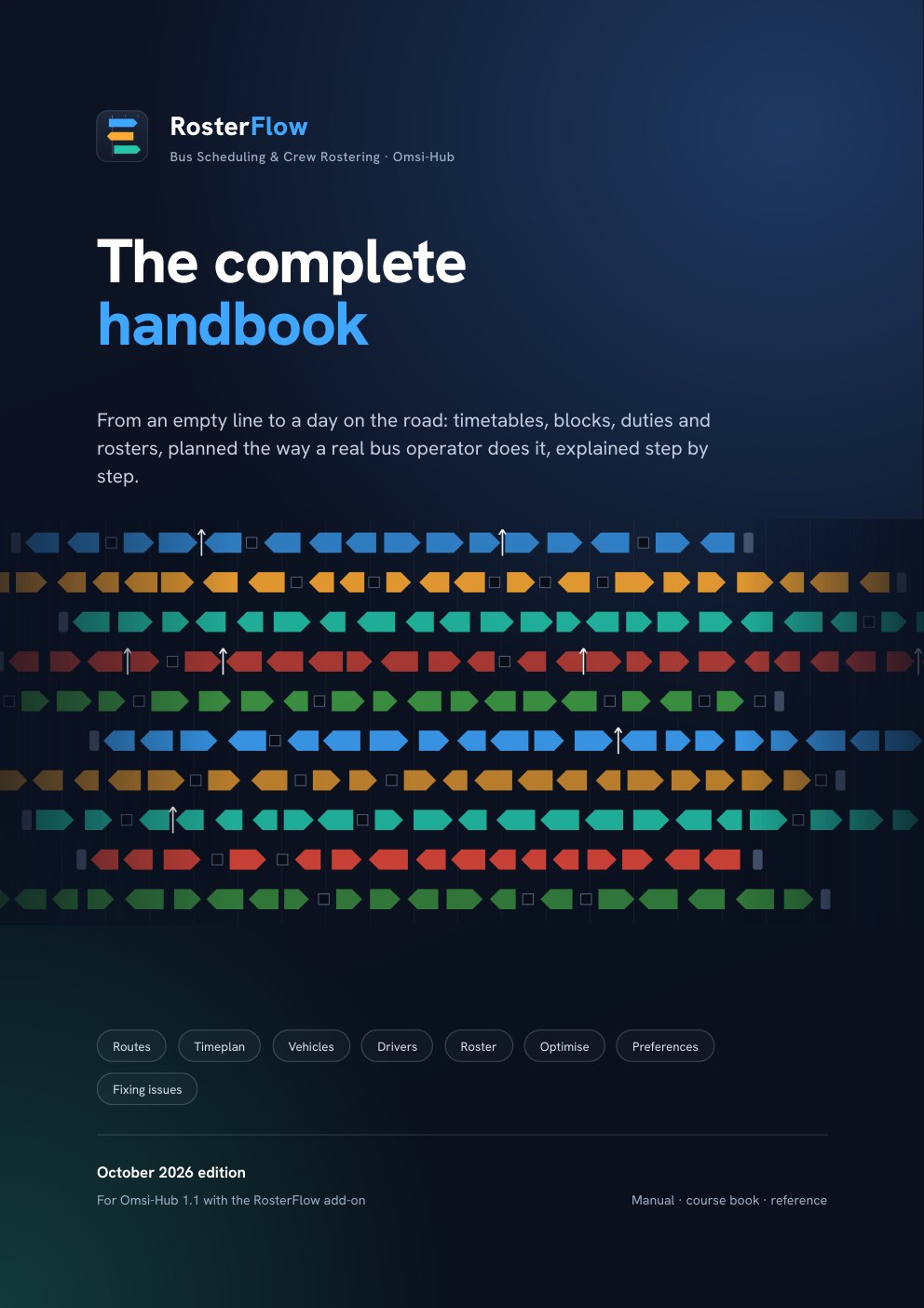
RosterFlow: the complete handbook
From an empty line to a day on the road. Timetables, blocks, duties and rosters, planned the way a real operator does it, with real screenshots, diagrams and every rule, issue and shortcut explained.
- 73pages
- 19chapters
- 12exercises
- 6workflows
Also in the app: open RosterFlow, click the question mark in its title bar and choose The complete handbook.
Learn RosterFlow by doing
Nine short lessons with the steps in pictures, and a practice studio that works like the real one: move trips, cut duties, fix issues and optimise a day, right here. Nothing you do touches your company.
Start the courseWhat's inside
Four parts that follow the way you learn: understand it, plan with it, refine it, and apply it to real situations.
- 01
Understand
What RosterFlow plans, in which order, with which words, and how to read its screen.
What RosterFlow is · The scheduler's language · Reading the screen
- 02
Plan, step by step
Every tab in the order you build a day, from a line's route to Monday's early duty.
Routes · The Timeplan · Vehicles · Drivers · The roster
- 03
Refine
Cheaper, fairer and valid all week: optimising, issues and every rule in Preferences.
Optimise · Saving to other days · Issues · Preferences · Overview · Printing · Playing together · The built-in tutorial
- 04
Apply
Recipes for real situations, exercises with checkpoints and all the reference.
Workflows · Exercises · FAQ · Shortcuts · Every default · Checklist
A look inside
Real screenshots from the studio, step-by-step instructions and tips on every page. Click a page to open the handbook.
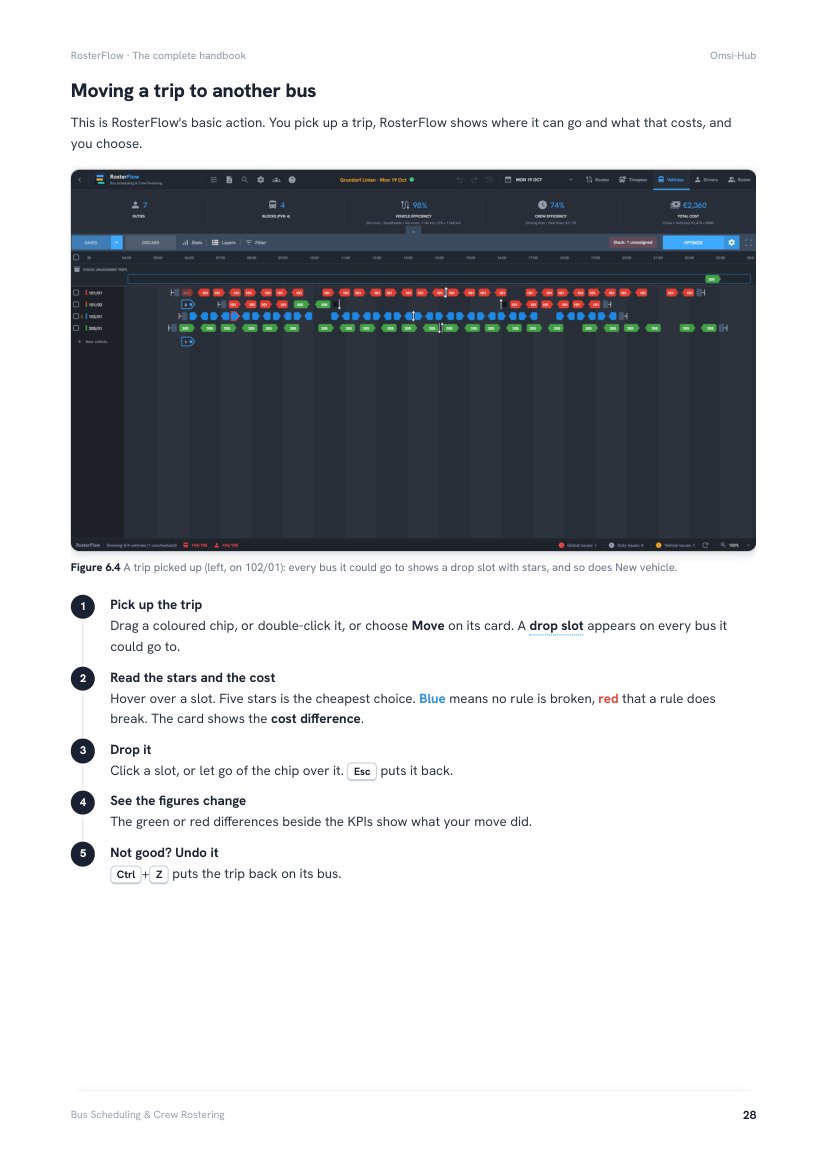
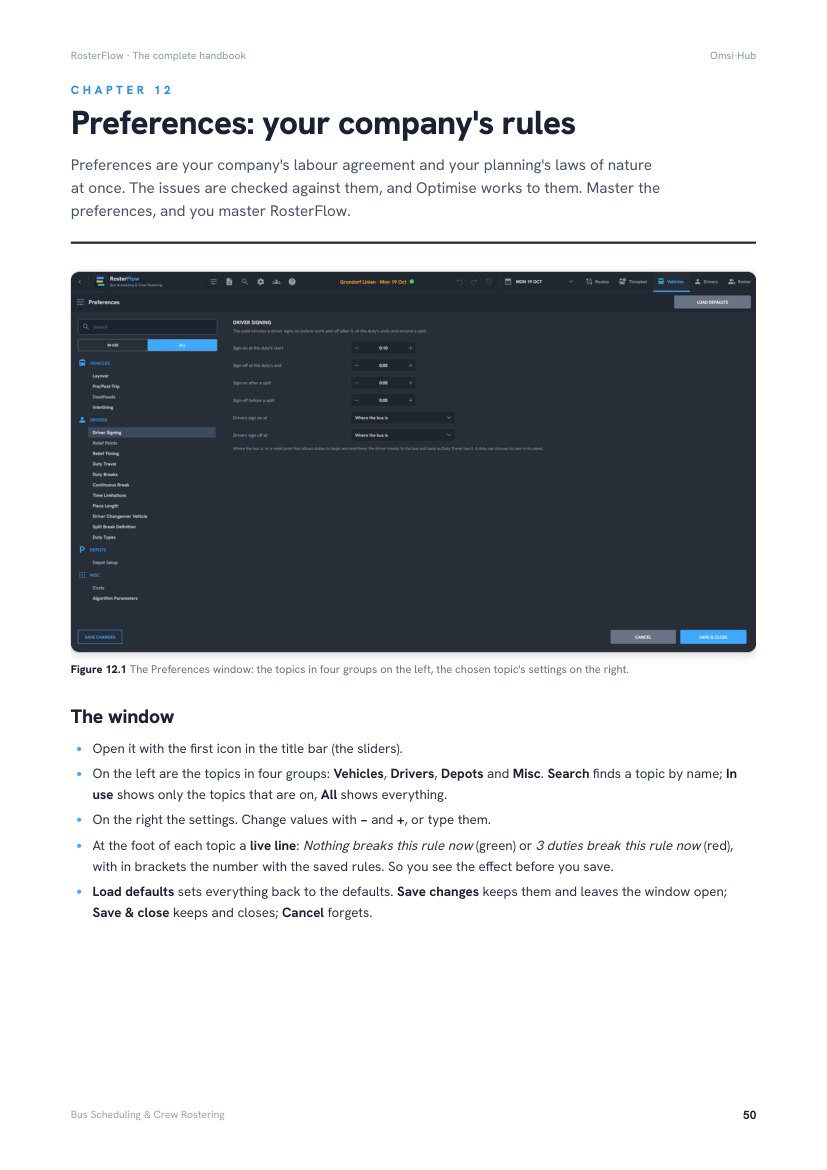
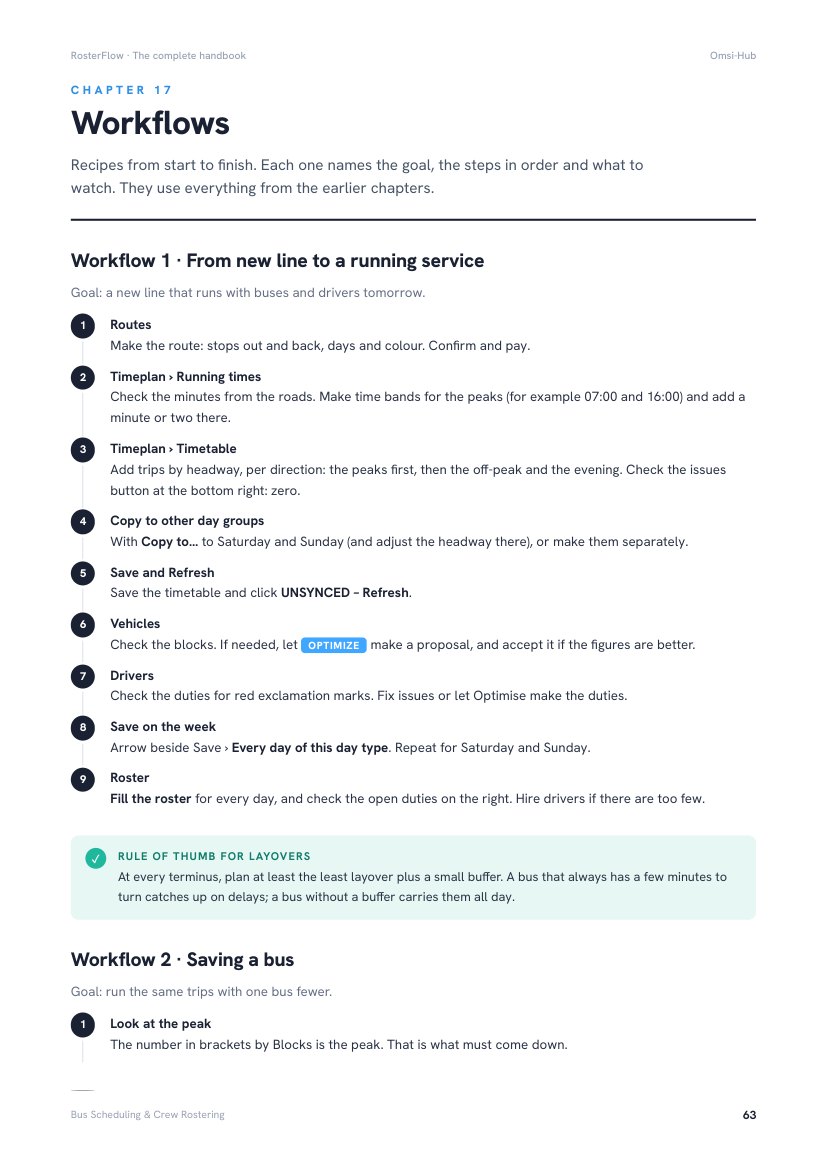
Learn by doing
RosterFlow teaches itself too. Behind the question mark in its title bar:
- A guided tour past every part of the screen
- Eight lessons in which you do each task yourself, and undo it after
- RosterFlow in 2 minutes: a one-page help sheet